 {|get_lang_name}
 {|get_lang_name}
Product Consultation
Your email address will not be published. Required fields are marked *


It usually shows up around the third hour of the workday: shoulders creeping toward your ears, lower back aching, and your head drifting closer to the monitor. If you have been working remotely for any length of time, you already know the pattern. Whether the fix is better discipline or better equipment is the question most posture articles get wrong. The answer is both, but not in a way that depends on you sitting perfectly still at one strict angle.
The most effective remote work posture strategy combines a neutral spine position at rest, regular movement breaks, and a chair whose seat height, seat depth, backrest, and lumbar support match the proportions of your own body. Nail those three variables and you can comfortably sit through a full day of calls and deep work.
Core conclusion: most remote-work back pain starts with a mismatch between the worker and the workstation, not laziness. Adjust the chair in three steps — height, lumbar position, seat depth — then schedule a movement break every 30 to 45 minutes. A well-fitted ergonomic chair lowers spinal disc load by about a third compared with slouching on a sofa.
Content
Posture is not a single perfect pose held all day. It is the range of positions your body can adopt without overloading the spine, plus the support your chair gives you while you are in them. In practical terms, good seated posture for remote work has four measurable conditions: your ears sit above your shoulders, your shoulder blades rest lightly against the backrest, your lumbar curve is supported rather than flattened, and your feet stay flat on the floor with knees near 90 degrees.
The chair does more of this work than you might expect. A backrest that curves forward just below the middle of the back holds the natural inward curve of the lumbar spine, which keeps the intervertebral discs evenly loaded and reduces stress on the ligaments. That is why ergonomic guidelines always mention lumbar support rather than simply sitting up straight.
A slight inward curve in the lower back, not a flat or rounded back. Recline the backrest 100–110 degrees so the curve stays naturally in place.
Hips, knees, and ankles each at about 90 degrees. If the seat is too high your feet dangle; if it is too low your pelvis rolls back and the lumbar curve disappears.
The top of the screen sits level with your eyes so your neck stays neutral. Most laptop users need a riser or a thick book simply to reach this line.
Spinal tissues deform under sustained load. Changing position every 20–30 minutes redistributes pressure and keeps circulation moving through the discs.
One practical rule applies before you touch any setting: adjust the chair first, then yourself. Set the seat height, then the backrest tension, then the lumbar pad. If the lumbar support sits too high or too low, it pushes you out of neutral — one reason chairs with adjustable or independent lumbar support are easier to fit than fixed molded backs. That is also why our lumbar support seating collection is organized around specific support levels rather than generic office styling.
Remote workers end up sitting on everything from kitchen stools to beds to exercise balls. The comparison below shows how common options perform across the five variables that matter most for posture.
Comparison reflects typical furniture categories; actual support depends on the model, the user’s height, and the adjustments available.
The pattern is clear: the more independent adjustability a seat has, the easier it is to reach and hold a neutral spine. Mesh-backed chairs also help in warm rooms because the breathable fabric keeps the back dry during long sessions. If you want to understand why the structure of an office chair determines its posture benefits, our guide to choosing an office chair and its structure covers the components that matter.
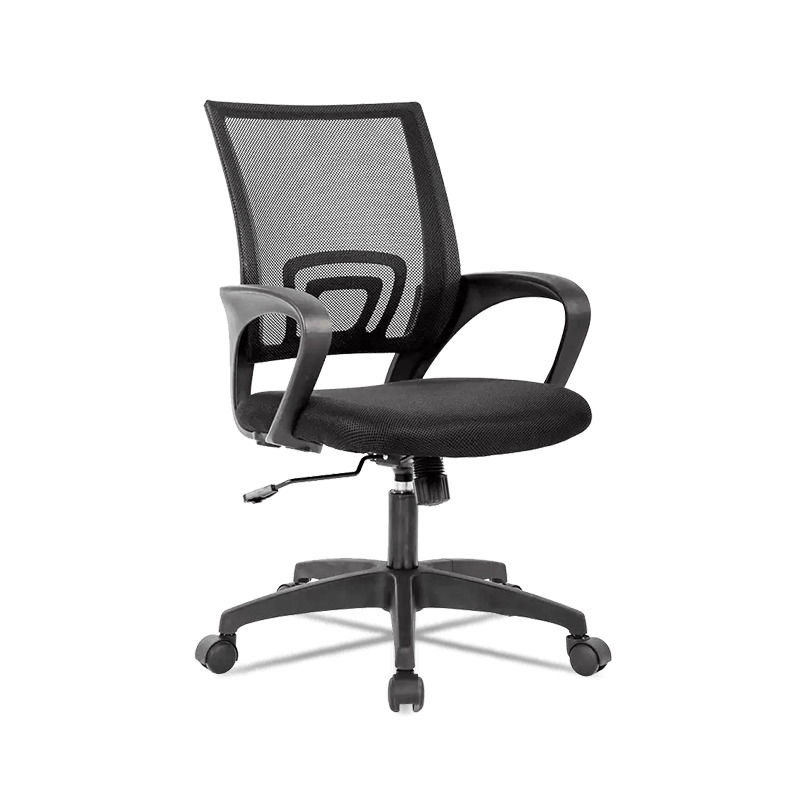 MC-7802 Adjustable Mid-Back Mesh Office Chair with Lumbar SupportThis mid-back mesh chair offers independent seat adjustments and breathable fabric, helping you maintain a neutral spine while reducing lumbar disc pressure during long work sessions.View Product →
Published biomechanical research on intradiscal pressure gives a concrete reason to care about seating. Using standing as a baseline of 100 percent, the relative load on your lumbar discs changes sharply with position. The chart below shows typical values:
Illustrative values based on commonly cited intradiscal pressure studies; exact numbers vary by individual anatomy and measurement method.
The takeaway is not that you should lie down to work. It is that a lumbar-supported sitting posture cuts disc pressure by roughly a third compared with slouching, and that a slight recline reduces it even further. This is why an ergonomic chair with height-adjustable lumbar support beats a rigid upright chair over a full week of remote work. The pressure difference is invisible in the moment but shows up later as stiffness and fatigue.
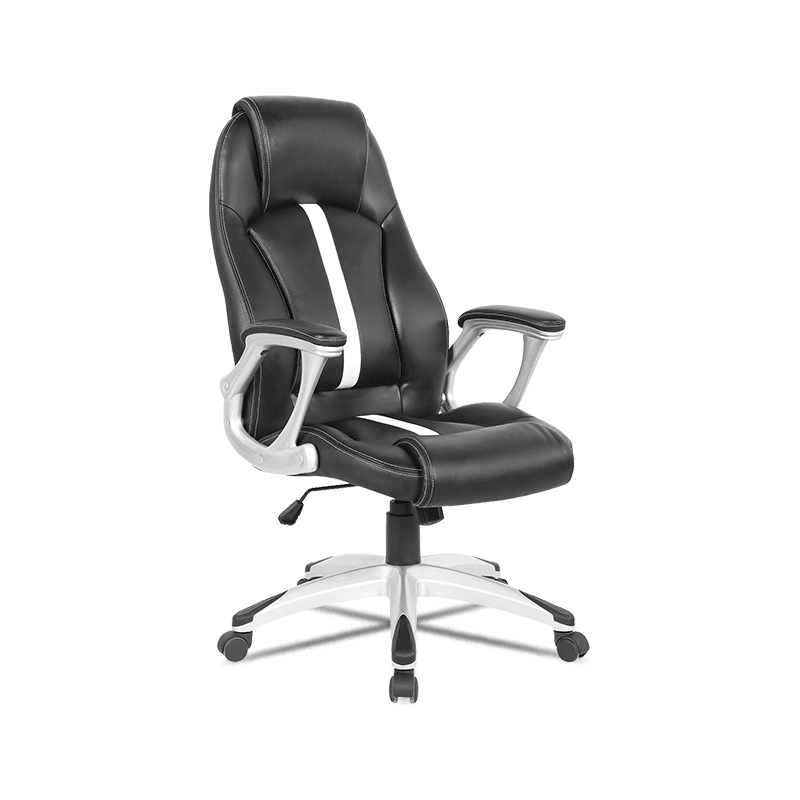 MC-7109 Ergonomic High-Back Executive Chair with Adjustable Lumbar CushionWith a high back and height-adjustable lumbar support, this executive chair encourages a slight recline that further eases disc load, making it suitable for full-time remote work.View Product →
Surveys of remote and hybrid workers repeatedly find that most people work from furniture that was never designed for eight hours of seated work. The seating-habit distribution below reflects commonly reported patterns:
The pattern explains the pain. A kitchen chair has no lumbar support and no seat-depth adjustment; a sofa lets the pelvis roll backward into posterior tilt. Both flatten the natural curve of the spine. For anyone who games in the same chair after work, the overlap matters even more: a seat that supports both office and play reduces the total hours spent in a collapsed position.
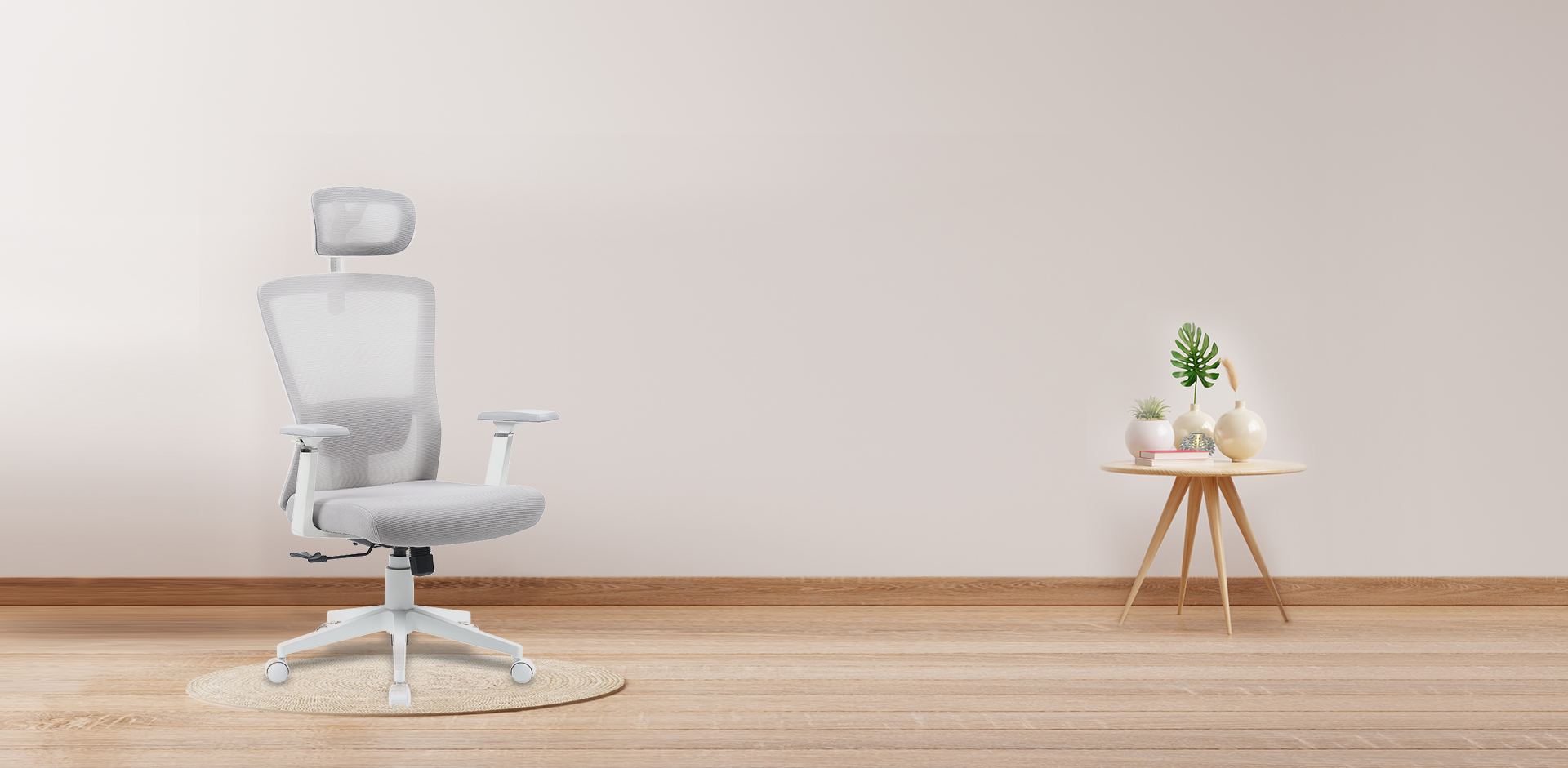
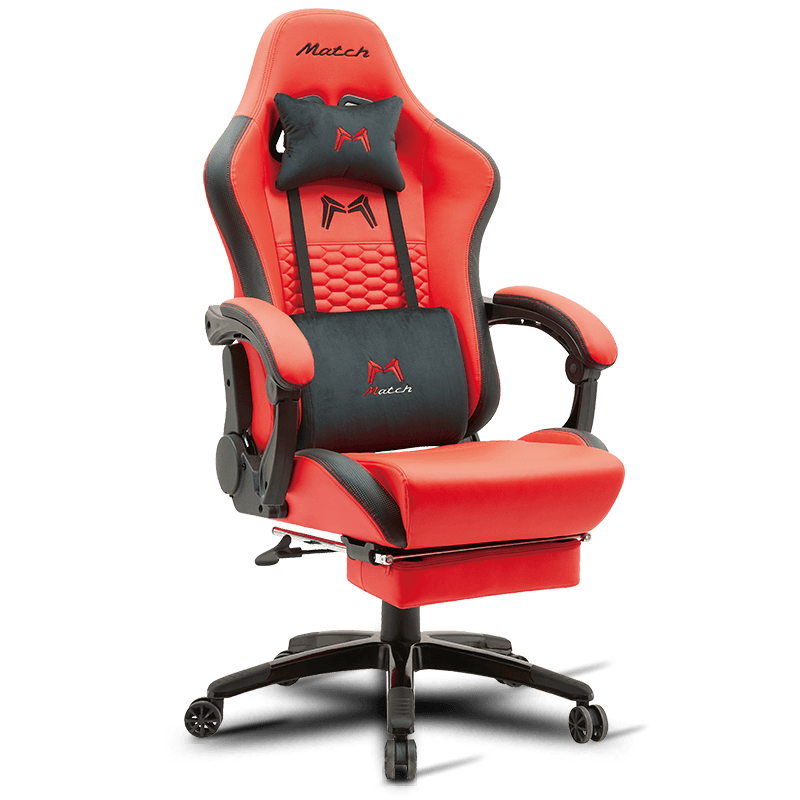
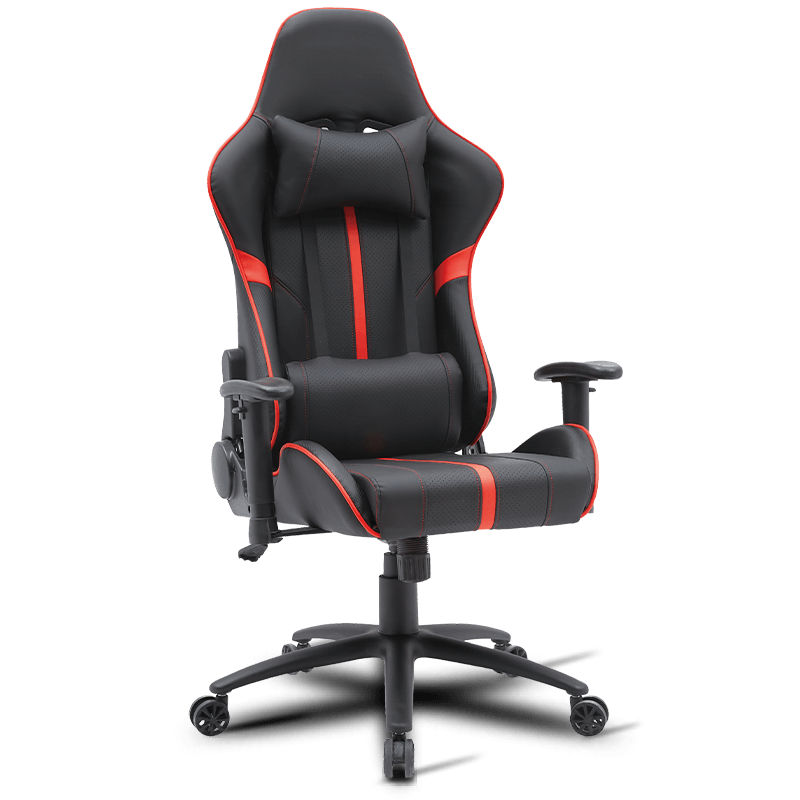 MC-5802 Ergonomic Gaming Chair with Headrest and Lumbar SupportDesigned for both gaming and office use, this chair includes headrest and lumbar cushions to keep your spine aligned, cutting down hours spent in a collapsed posture.View Product →
You do not need a new desk or a new monitor to improve your posture today. You need a repeatable sequence that matches your body to the furniture you already own. Follow these five steps in order.
Adjust so your feet rest flat on the floor and your knees bend to about 90 degrees. Heels lifting means the seat is too high; knees above hip level mean it is too low.
Slide two to three fingers between the front edge of the seat and the back of your knee. A seat that is too deep presses on the calves; one that is too shallow drops your lumbar curve off the backrest.
Position the lumbar curve in the small of your back, then recline the backrest 100–110 degrees and set the tension so it follows your movement instead of locking one angle.
Raise the monitor so the top of the screen is level with your eyes and roughly an arm’s length away. Set armrests so your elbows rest near 90 degrees with relaxed shoulders.
Take a two-minute break every 30–45 minutes. Stand, roll your shoulders, shift your weight, and briefly recline the chair to unload the spine before returning to work.
The return on this reset is concrete. A chair with lumbar support, height adjustment, and a breathable backrest costs far less than a handful of physiotherapy sessions, and it works every workday. For teams buying in bulk, standardizing around one well-configured model simplifies setup training and reduces comfort complaints from staff — which makes posture a procurement decision as much as a personal habit.
A chair that is not maintained quietly becomes a posture hazard. A sagging seat cushion, a gas lift that sinks, or loose armrests all shift your body away from the neutral position you set up the first day. Three checks catch most problems before they affect your spine.
For procurement teams, these points matter as much as the initial price. A slightly more expensive chair with a replaceable lumbar pad, standard gas lift, and a durable base will outlast a cheaper model that gets discarded at the first repair — and the team gets consistent, predictable support every day.
Posture is not a personality trait. It is the daily output of your environment: the chair you choose, the screen height you tolerate, and how often you let your body move. Fixing any one of those three improves your posture; fixing all three is what makes remote work sustainable.
Arm Rest Office Chair: How to Choose and Adjust for Real Ergonomic Support
Sep 01,2026Can You Get Sciatica From Sitting Too Much? Causes and Fixes Explained
Sep 14,2026Your email address will not be published. Required fields are marked *

Copyright © Anji Mingchuang Furniture Co., Ltd. All Rights Reserved.
